PRIVATE BY DESIGN

Images are converted locally in your browser and are never uploaded.

Local PNG conversion tool

PNG to AVIF Converter with Transparency and Lossless Output

Convert transparent graphics, screenshots, and exported PNG files to AVIF in your browser. Alpha transparency is carried into the encoded result, and lossless mode is available when exact pixels matter more than file size.

Local processing No signup Desktop and mobile
LOCAL AVIF ENCODER

Convert images on this device

No uploads

Drop PNG files here

or choose files from your device
Source image extensions.png
Output format.avif
AVIF output quality68
Advanced conversion settings
Encoder mode

Files are processed locally and never uploaded.

Alphatransparency is preserved
Losslessoptional exact-pixel mode
Localno image uploads
Batchconvert files or folders
Three-step workflow

How to Convert PNG to AVIF Without Losing Transparency Online

Add PNG files, choose one AVIF output profile, then save the completed results. Processing stays in the current browser tab.

  1. 01

    Select Transparent PNG Images

    Add one or more PNG files, choose a folder, or drag images onto the upload area. Transparent pixels are decoded with their alpha channel intact.

  2. 02

    Choose Lossy or Lossless AVIF Settings

    Use quality-controlled AVIF for smaller web assets, or enable lossless mode for exact decoded pixels. Resize only when the final design needs smaller dimensions.

  3. 03

    Download Converted AVIF Images

    Compare file sizes, download individual AVIF images, or save the full PNG conversion batch as one ZIP while retaining folder paths when available.

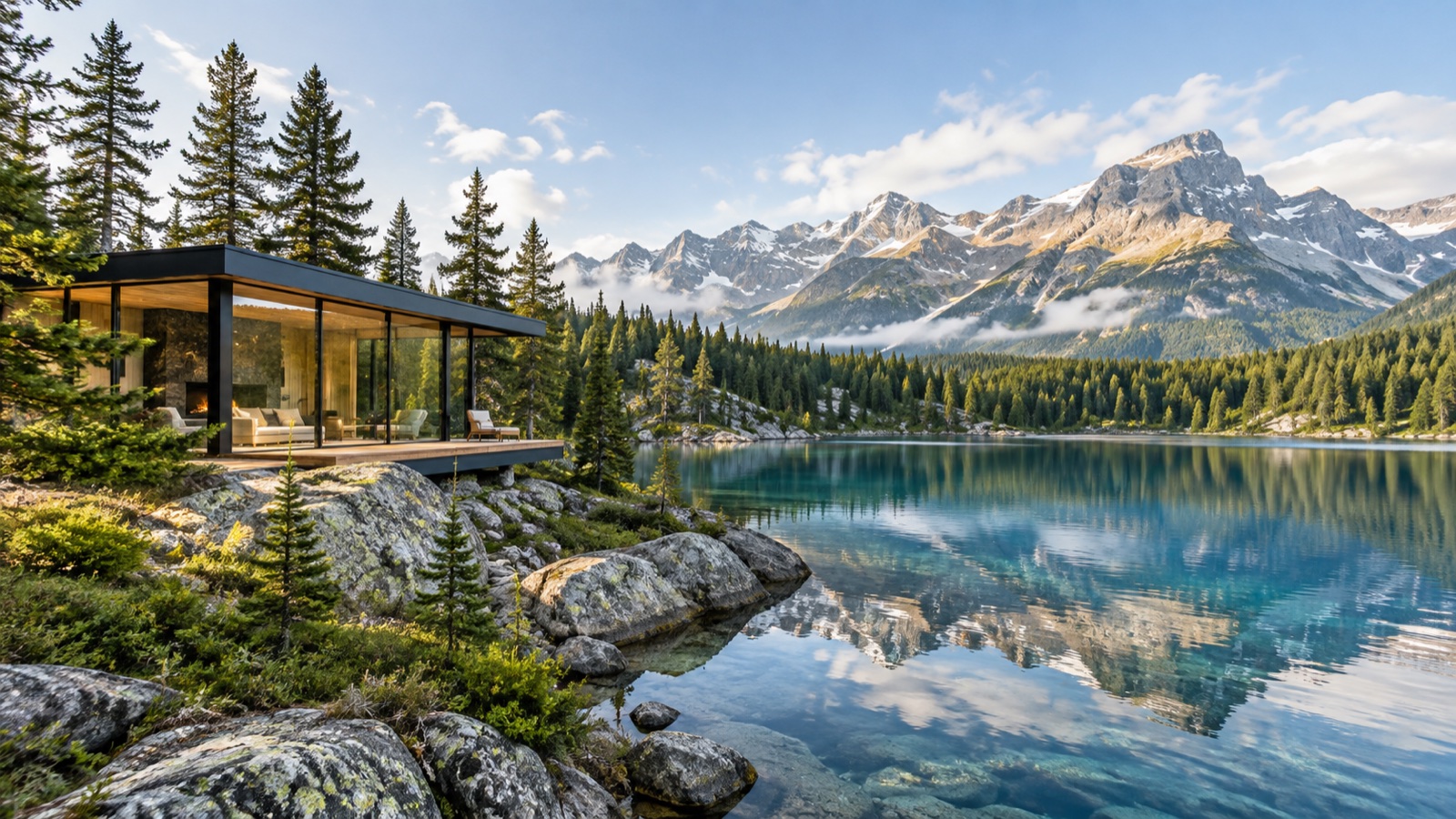
PNG to AVIF compression example with fine detail
Fine foliage, glass, rock, clouds, and gradients help reveal compression changes.
Format guide

PNG to AVIF for Transparent Logos, Screenshots, and Web Graphics

PNG is reliable for crisp graphics and transparency, but complex screenshots and large transparent exports can become heavy. AVIF supports alpha transparency and offers both lossy and lossless encoding, which makes it useful for web graphics when target browsers and publishing tools support the format.

Lossy AVIF can substantially reduce a detailed PNG, but fine text and sharp interface edges deserve close inspection. Lossless AVIF preserves decoded pixel data but may not beat a highly optimized PNG in every case. The result list shows actual sizes so you can keep whichever file is more practical.

Best AVIF Quality Settings for PNG Images

For photographic PNG files, begin around quality 60 to 70. For screenshots, diagrams, and graphics with hard edges, try a higher quality or lossless mode. There is no single quality number that guarantees the same result across all visual content.

Transparent edges can reveal compression artifacts sooner than opaque areas. Review logos and cutouts against both light and dark backgrounds in the environment where they will be used before replacing the original PNG.

When Lossless PNG to AVIF Conversion Makes Sense

Lossless mode is useful when you need the decoded RGBA pixels to survive the format change exactly. It can be appropriate for archival intermediate assets, UI captures, or graphics that will be processed again. It does not preserve PNG metadata, chunks, animation, or the original compressed byte stream.

For ordinary website delivery, a carefully reviewed lossy setting often produces a smaller file. Keep source PNGs in your asset pipeline so future exports are not made from an already re-encoded delivery file.

Format details

PNG to AVIF Transparency and Compression Comparison

Use these differences as a review checklist, then judge the actual downloaded file in its destination.

FeaturePNGAVIF result
TransparencyFull alpha channelFull alpha channel
Encoding modesLosslessLossy or lossless
Best known forGraphics and screenshotsCompact modern delivery
Tool processingDecoded locallyEncoded locally
Questions answered

PNG to AVIF Converter FAQ

Practical answers about supported files, privacy, quality, and what the browser-based converter does with your images.

Does PNG to AVIF conversion preserve transparency?

Yes. The converter reads the PNG alpha channel and passes it to the AVIF encoder. Always inspect important edge detail after lossy conversion.

Is lossless AVIF always smaller than PNG?

No. Compression results depend on image content and source optimization. The output list displays both file sizes so you can compare the real result.

Can I batch convert transparent PNG files?

Yes. Multiple PNG files and folders can be processed with shared settings and downloaded together as a ZIP archive.

Will animated PNG files stay animated?

No. This tool encodes a single decoded frame. It is intended for still images and does not preserve APNG animation.

Ready when you are

Convert PNG images to AVIF without uploading them

Back to converter