PRIVATE BY DESIGN

Images are converted locally in your browser and are never uploaded.

Private AVIF compatibility converter

Free AVIF to JPG Converter Online with No Upload

Turn AVIF images into widely compatible JPG files locally in your browser. Add a batch, choose quality, and download JPEG results without sending images to a server.

Local processing No signup Desktop and mobile
LOCAL JPG ENCODER

Convert images on this device

No uploads

Drop AVIF files here

or choose files from your device
Source image extensions.avif
Output format.jpg
JPG output quality88
Advanced conversion settings

Files are processed locally and never uploaded.

AVIFstill images accepted
JPGbroad compatibility output
Localno image uploads
ZIPbatch download
Three-step workflow

How to Convert AVIF to JPG Online Without Uploading

Add AVIF files, choose one JPG output profile, then save the completed results. Processing stays in the current browser tab.

  1. 01

    Choose AVIF Images

    Add one or more still AVIF files, select a folder, or drop a batch into the converter. Animated content is handled as a single decoded frame.

  2. 02

    Set JPG Quality and Dimensions

    Choose JPEG quality and an optional maximum dimension. Higher quality keeps more detail; resizing can reduce the final download size.

  3. 03

    Download JPG Files or a ZIP

    Review each result, download compatible JPG files individually, or package the completed batch in one ZIP archive.

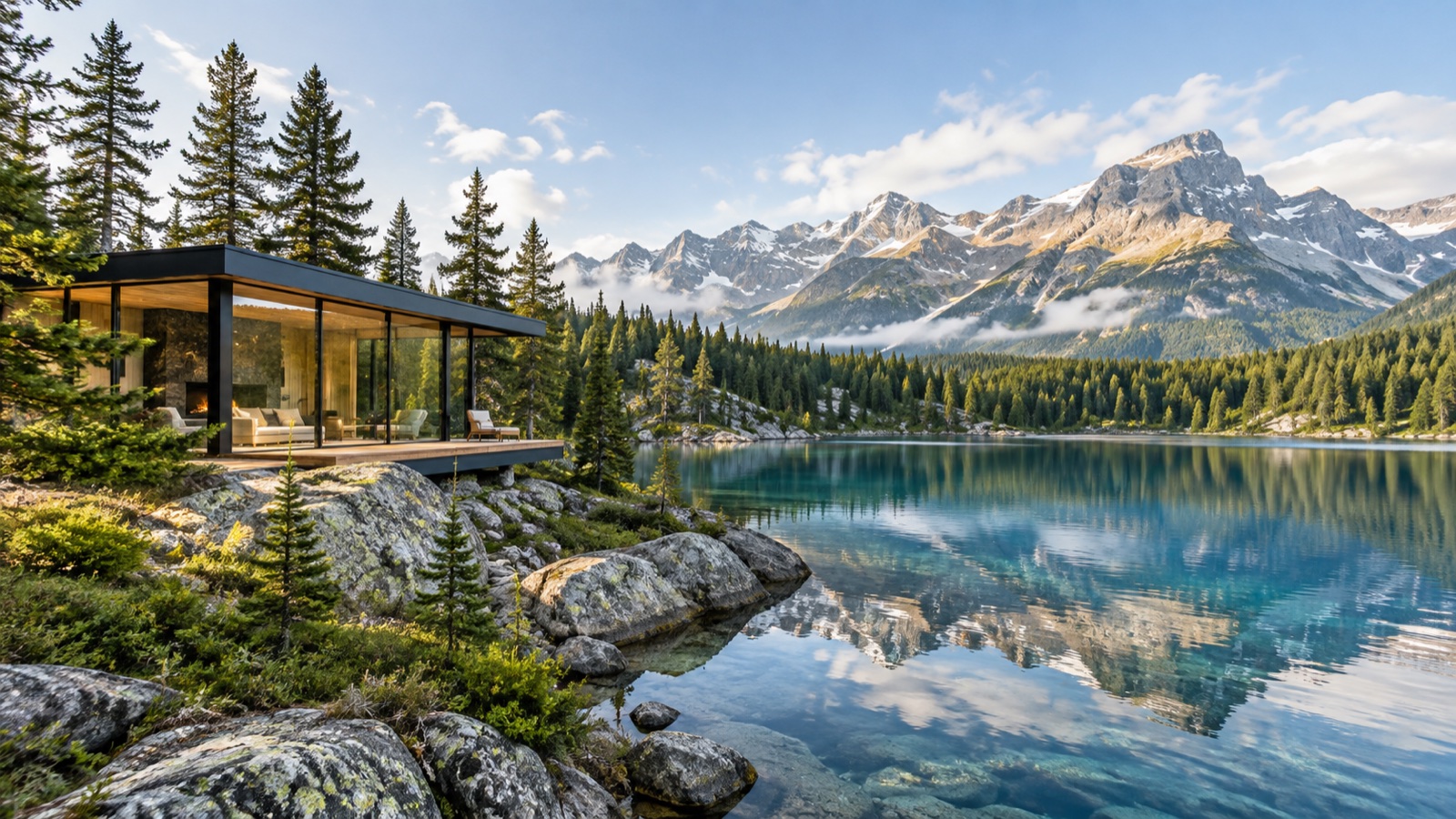
AVIF to JPG compression example with fine detail
Fine foliage, glass, rock, clouds, and gradients help reveal compression changes.
Format guide

Why Convert AVIF Images to JPG for Compatibility?

AVIF can deliver excellent compression, but older browsers, editing tools, email clients, and publishing systems may still expect JPEG. Converting a still AVIF to JPG creates a broadly compatible derivative for those workflows.

JPG does not preserve AVIF alpha transparency or every advanced color feature. Review the result in the destination application and keep the original AVIF when you may need its transparency, HDR, or editing data.

JPG Quality Settings for AVIF Exports

Start around quality 80 to 90 for photographs, then inspect fine detail, gradients, and text at the size where the file will be used. A higher value usually creates a larger JPG without restoring detail that was absent from the AVIF source.

If the output is only a preview or a small web thumbnail, a lower quality and a realistic maximum dimension may save more bytes than quality changes alone.

What Happens to AVIF Transparency in JPG?

JPG has no alpha channel. Transparent AVIF pixels are composited onto a white background before the JPG is written, so inspect cutouts and logos against the intended background.

The conversion runs in the browser and does not replace or upload the source file. Keep the original AVIF if transparency or lossless editing is important.

Format details

AVIF to JPG Compatibility Comparison

Use these differences as a review checklist, then judge the actual downloaded file in its destination.

FeatureAVIFJPG result
CompatibilityModern format supportBroad legacy support
TransparencyMay contain alphaFlattened on white
Output useEfficient source assetEditing and sharing
ProcessingDecoded locallyEncoded locally
Questions answered

AVIF to JPG Converter FAQ

Practical answers about supported files, privacy, quality, and what the browser-based converter does with your images.

Why convert AVIF to JPG?

JPG is accepted by more older browsers, editors, email clients, and publishing tools. Convert when a destination does not support AVIF, then keep the original AVIF as a source asset.

Does AVIF to JPG conversion preserve transparency?

No. JPG has no alpha channel, so transparent AVIF pixels are composited onto white before the JPG is encoded.

Are AVIF files uploaded during JPG conversion?

No. The browser decodes the AVIF and creates the JPG locally. Selected files are not sent to the site.

Can I convert a folder of AVIF files to JPG?

Yes. Select multiple files or a folder, apply shared settings, and download completed JPG files individually or as a ZIP.

Ready when you are

Convert AVIF images to JPG without uploading them

Back to converter